My Obsidian Weekly Note
Rob Coles
I have my daily note open whenever I am at my computer, and often also on my phone. I have covered the setup and contents of the daily note in a previous post . I mentioned there that some of the content came from the weekly note, and the things I track feed back into the weekly note. This post looks at my weekly note - my main planning centre.
The process
Similar to the daily note, I have a template in Obsidian and I use a python script to fill in some variable sections, like the week headings. The weekly note creation process is run manually for next week as part of my end-of-week review. The note follows a naming standard of the ISO year, then “W” then the ISO week number. This process also adds the week start and end dates as front-matter properties which the Datacore tracking queries use.
The weekly note is pre-filled with any tasks that have a due date for the coming week. As part of the weekly plan, I will pull up a kanban Bases view of tasks that are priority 1 or 2. I’ll look at these, and select any that should be scheduled for this week. I’ll then look at each day’s existing workload and distribute these selected tasks appropriately, also considering the daily theme and the theme for the task if any. See the theming posts for more information on theming.
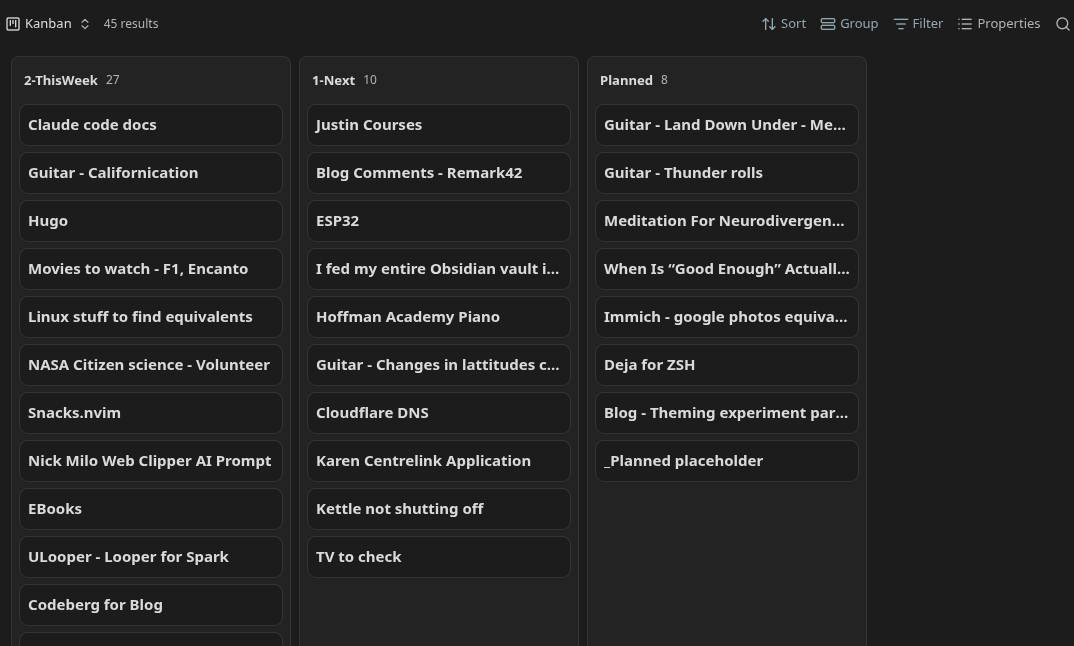
I’ll look at these, and select any that should be scheduled for this week. I’ll then look at each day’s existing workload and distribute these selected tasks appropriately, also considering the daily theme and the theme for the task if any. See the theming posts for more information on theming.
Once the week is complete, I review the note, fill in the “Summary” section and the Weekly Review sections. See below for more details on these sections.
Sections
Header and navigation
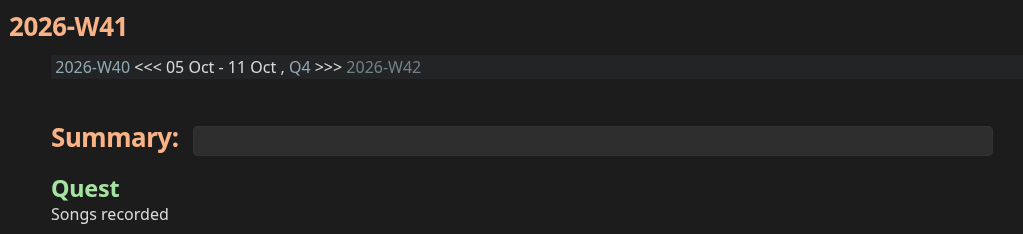
The weekly note starts with a similar navigator to the daily note, with a link to the previous and next weekly note, and a link to the current quarterly note.
There is a Summary header, using the Meta Bind plugin to pull in a front-matter entry. This summary will be pulled into the Summary base view along with daily summaries.
The “Quest” section pulls the quest for this week from the quarterly quests note if there is one. The quests note pulls in the things I’d planned for the quarter. This planning is my version of the 12 week year and Ali Abdaal’s quarterly quests. I’ll cover this in more detail in the post on the quarterly note.
Regular habits
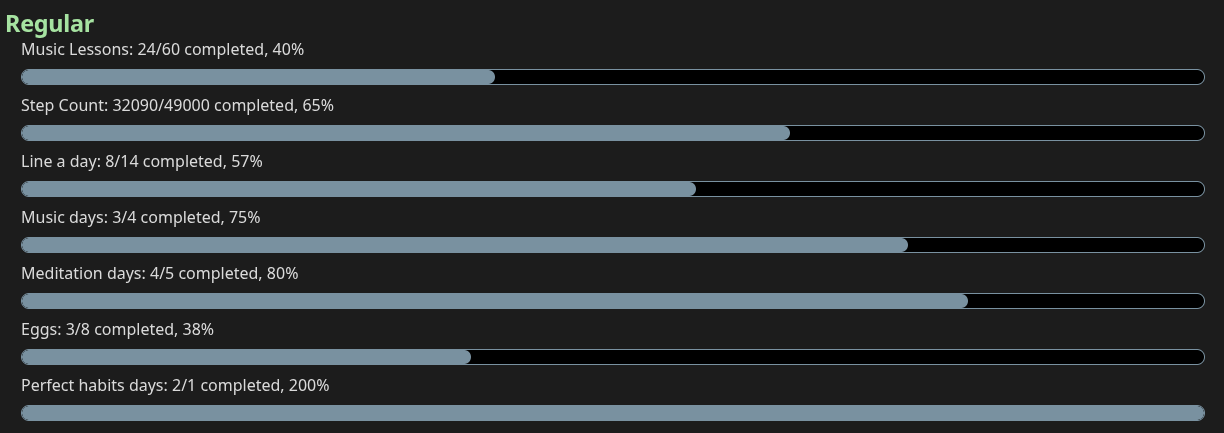
I have a number of habits that I track. This block rolls up the execution of a number of those daily habits and tracks them against a weekly goal. While days can get away from me, I try very hard to hit the weekly targets. I tend to front-load the week to make sure that this happens. This section is a Datacore query looking at front-matter tracking entries in the daily notes for this week. There are similar roll-ups in the quarterly and annual notes.
Plan
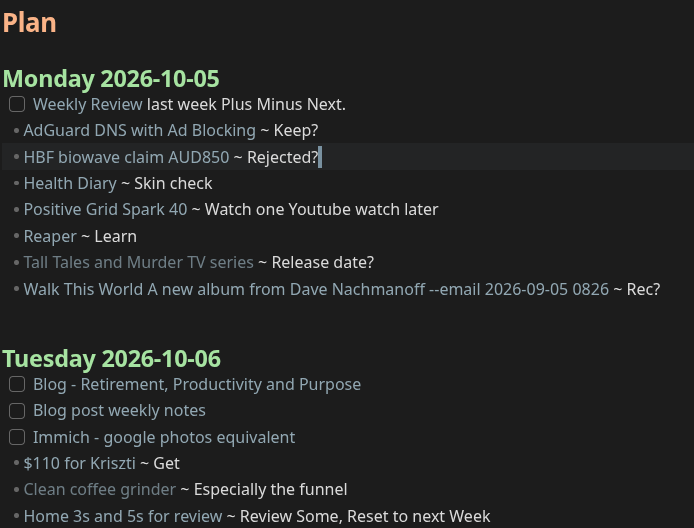
The “Plan” section shows each day for the week. The tasks with a due date are list items, and any tasks I have manually scheduled appear with a checkbox. These tasks all feed in to the daily note. The weekly note is just for planning. I don’t check off any of the checkboxes here.
Weekly Review
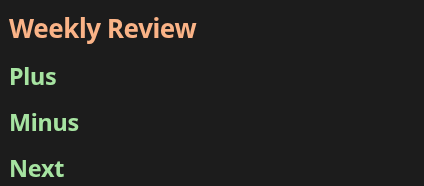
This section is largely lifted from “Tiny Experiments” by Anne-Laure LeCunff with a dash of “Stop, start, continue” from Mike Schmitz and Asian Efficiency.
- Plus: What went well this week, highlights, achievements, what to do more of.
- Minus: What should I look to improve or drop. What didn’t go so well.
- Next: What specific actions should I take next week relating to the above.
This is normally just a couple of bullet points at most per section, but the “Next” may drive the creation of one or more tasks.
Summary section
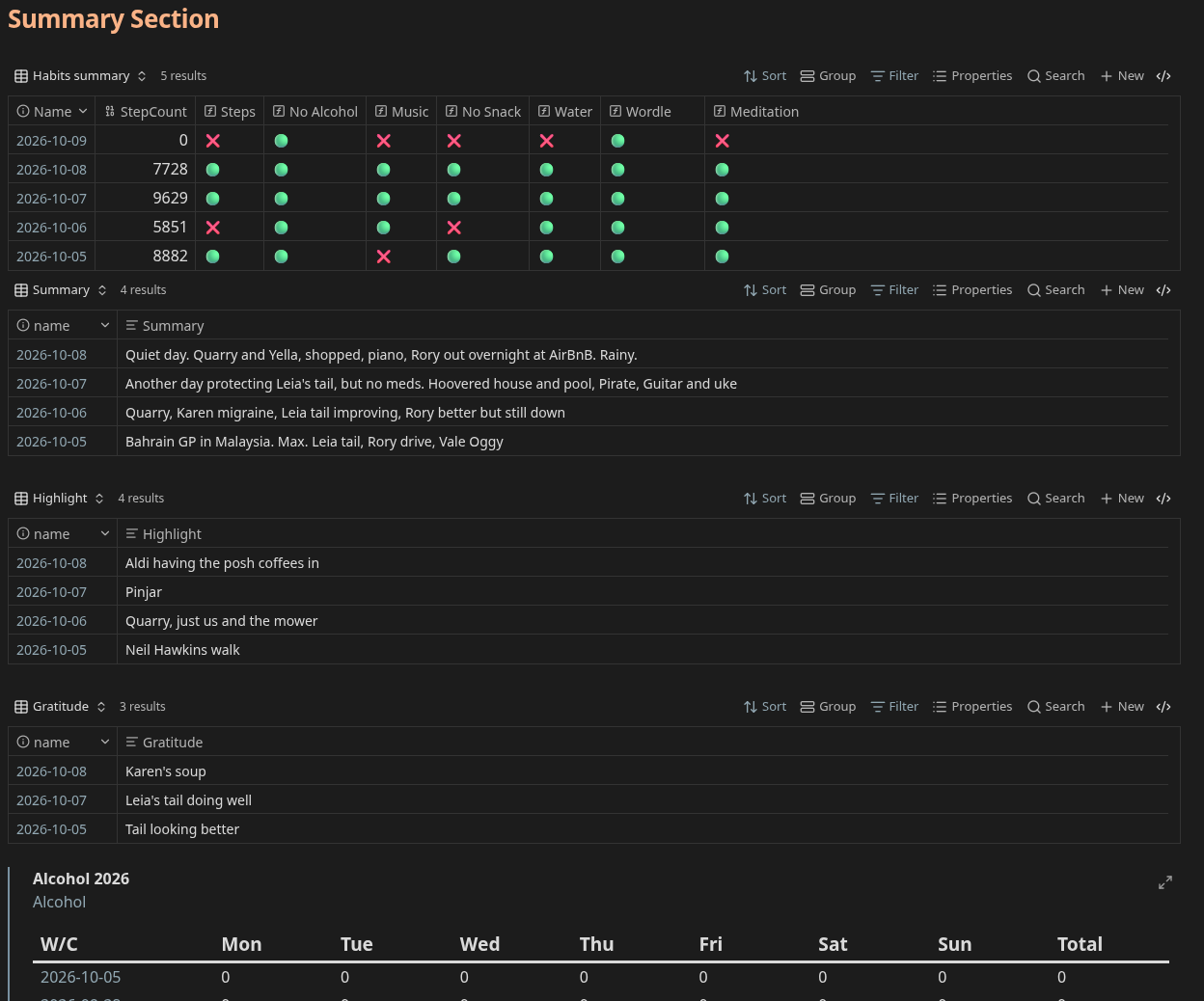
This section pulls in most of the things that I capture daily, frozen for the week of the note. I’ll look at the habits summary and the extracted daily summaries when completing the “plus, minus, next” section above, and it is a chance to spot any days where an entry was missed. I will always do a daily summary, but I don’t force a highlight or gratitude.
Alcohol

The last part of the weekly note is a transcluded Datacore summary of alcohol consumption. This is a link in the daily note but included in full here to be a bit more “in my face”.
Things to look at
Currently my quarterly and annual notes are date-based, so starting on the 1st of the month for example. I have noticed issues where a week straddles a quarter, or a year. I don’t know whether I care enough about it to do anything about it. The fix would be to base quarters and years on whole weeks instead of whole months. I’m still thinking about this. Most of my targets aren’t close enough for it to make much difference.
Conclusion
That’s my current weekly note. It changes over time, and I’m still experimenting with some of the sections but this note is my hub for task planning in Obsidian. I hope it gives you some ideas. I pull content in, and feed information back to my quarterly and annual notes. I’ll cover those in another post.
Resources: